
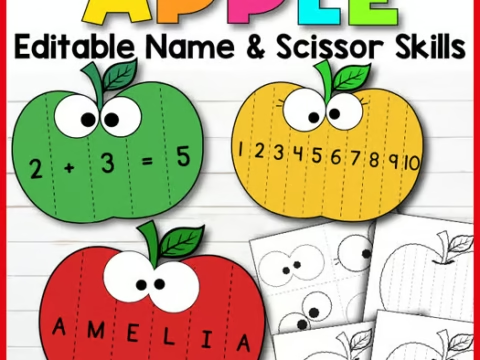
 Editable Fall Apple Name Craft & Scissor Skills | Math & Fine Motor Activity
Classroom CommunityPreK - 3rd An engaging editable fall apple craft that combines scissor skills, name practice, and early math sequencing! Perfect for
LATEST
NEWMonster Leaf Craft & Disguise a Leaf Activity | Fall Writing PromptsNEWEditable Halloween Party Sign Up Sheets & Reminders | Class SignupFREEFree Number 1-10 Worksheets | Back to School Math Trace & Write ActivityNEWEditable Fall Apple Name Craft & Scissor Skills | Math & Fine Motor ActivityFREEPrintable Thanksgiving Teacher Card: Your Teacher Is Thankful You Because…NEWDress Up Ghost Craft | Halloween Writing Activity, Coloring Pages, Bulletin Board
PRINT · TEACH · INSPIRE
Printable Crafts, Name Activities & Seasonal Worksheets for PreK-6 Teachers
Find practical, creative print-and-go activities for classroom moments throughout the year.
- Engaging & Practical
- Made for Busy Teachers
- Print & Go Resources
Shop by Category
Trending Now
Resources for your classroom this season
Editable Fall Apple Name Craft & Scissor Skills | Math & Fine Motor Activity
Classroom CommunityPreK - 3rd An engaging editable fall apple craft that combines scissor skills, name practice, and early math sequencing! Perfect for
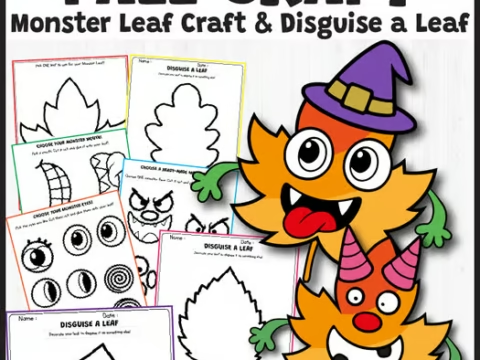 Monster Leaf Craft & Disguise a Leaf Activity | Fall Writing Prompts
CraftsPreK - 6th A fun and engaging Fall craft activity featuring 4 printable leaf templates, mix-and-match monster parts, and "Disguise a
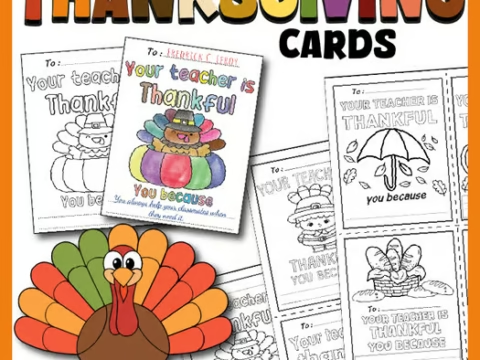 Printable Thanksgiving Teacher Card: Your Teacher Is Thankful You Because…
FreeClassroom CommunityPreK - 5th Printable Thanksgiving teacher cards to help you share gratitude with your students this holiday season.
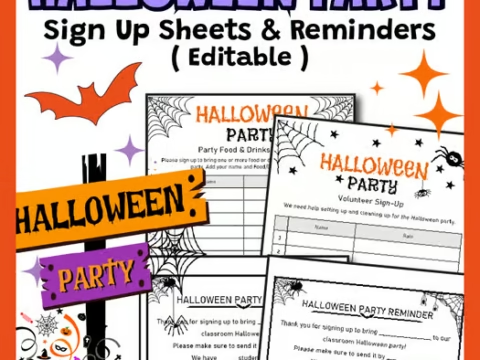 Editable Halloween Party Sign Up Sheets & Reminders | Class Signup
Classroom CommunityPreK - 6th Editable Halloween party sign-up sheets to help teachers organize volunteers, treats, and activities for classroom celebrations.
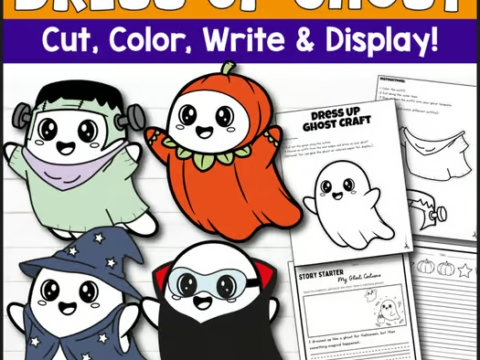 Dress Up Ghost Craft | Halloween Writing Activity, Coloring Pages, Bulletin Board
CraftsPreK - 3rd A hands-on Halloween craft and writing activity where students design their own ghost costume while practicing creative writing.
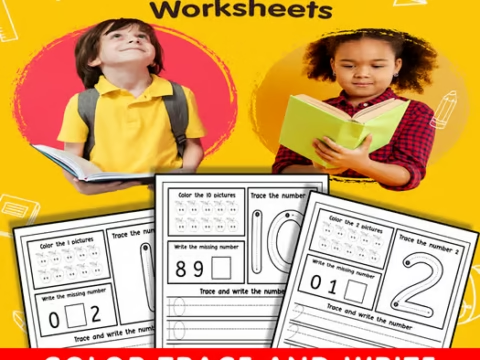 Free Number 1-10 Worksheets | Back to School Math Trace & Write Activity
FreeMathPreK - 3rd Building strong foundational math skills in early childhood starts with clear, engaging, and low-prep practice! These Free Number
Featured Resources
Hand-picked printables for your classroom
Monster Leaf Craft & Disguise a Leaf Activity | Fall Writing Prompts
CraftsPreK - 6th A fun and engaging Fall craft activity featuring 4 printable leaf templates, mix-and-match monster parts, and "Disguise a
Editable Halloween Party Sign Up Sheets & Reminders | Class Signup
Classroom CommunityPreK - 6th Editable Halloween party sign-up sheets to help teachers organize volunteers, treats, and activities for classroom celebrations.
Editable Fall Apple Name Craft & Scissor Skills | Math & Fine Motor Activity
Classroom CommunityPreK - 3rd An engaging editable fall apple craft that combines scissor skills, name practice, and early math sequencing! Perfect for
Printable Thanksgiving Teacher Card: Your Teacher Is Thankful You Because…
FreeClassroom CommunityPreK - 5th Printable Thanksgiving teacher cards to help you share gratitude with your students this holiday season.
Dress Up Ghost Craft | Halloween Writing Activity, Coloring Pages, Bulletin Board
CraftsPreK - 3rd A hands-on Halloween craft and writing activity where students design their own ghost costume while practicing creative writing.
Free resources for your classroom
Browse the free resource library and find an activity to use with your learners.
From the Teacher Blog
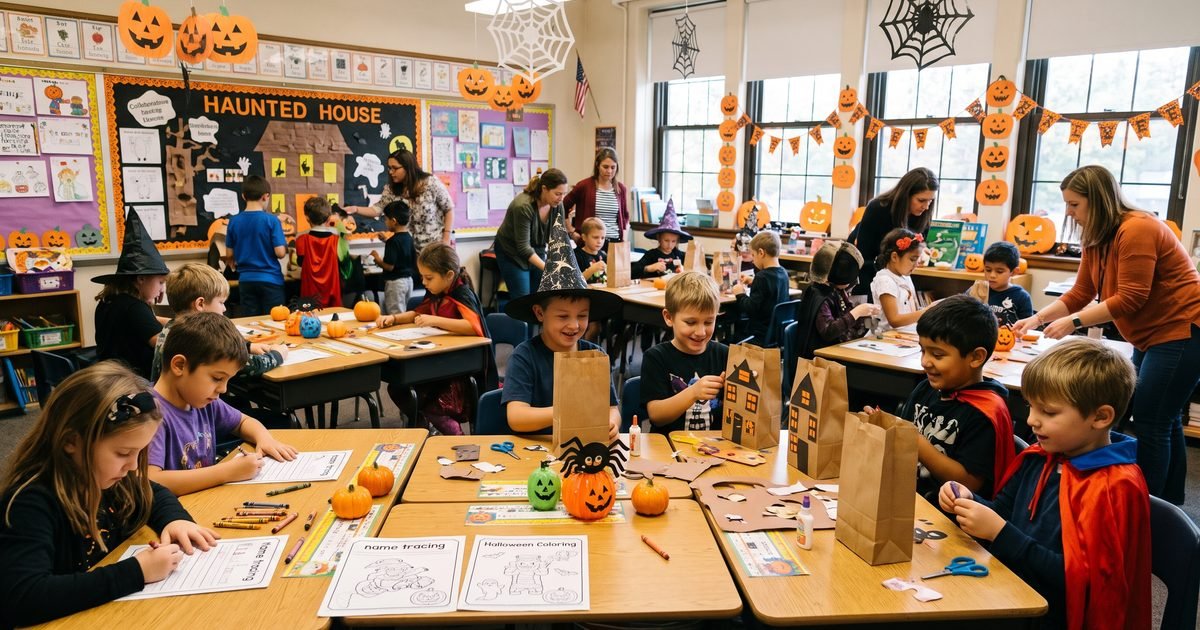
5 Fun & Stress-Free Classroom Halloween Activities for Elementary Students
October is easily one of the most exciting months of the school year, but let’s be honest—for teachers, the week of October 31st
Read: 5 Fun & Stress-Free Classroom Halloween Activities for Elementary Students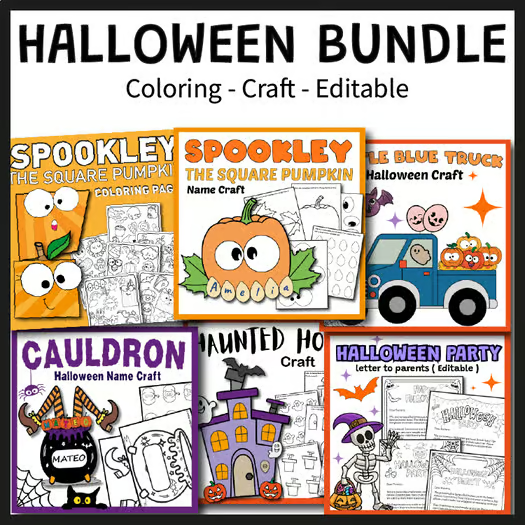
Fun & Easy Halloween Activities for Kindergarten: Free Ideas & Printables
Halloween is one of the most exciting times of the year in PreK and Kindergarten classrooms! Young learners love the spooky theme, but
Read: Fun & Easy Halloween Activities for Kindergarten: Free Ideas & PrintablesFrequently Asked Questions
Answers about finding, accessing, and using classroom resources.
Are the resources on EduCraftHub really free?
Some resources are offered as free downloads. A Free Download button is available when an item is marked free and its protected file is ready. The resource page explains when a file is not available yet.
Do I need an account to download free resources?
Yes. Free downloads require a free EduCraftHub account. If you are not signed in, the download flow asks you to sign in or takes you to the account page before continuing.
How do I download a free resource?
Open the resource page and select Free Download. Sign in to your free account if prompted; the site then requests the download link for that resource.
How do I get a paid resource?
Select Get On TPT on the resource page. It opens the linked Teachers Pay Teachers product listing in a new tab; check that listing for the price and purchase details.
Where do I find resources for my grade?
Use View all resources to open the resource library, then choose a Grade Level filter. A resource page also shows the grade range assigned to that item.
Which grade levels do you cover?
The standard grade terms include Pre-K, Kindergarten, and 1st through 6th Grade. Each resource page shows the grade terms assigned to that resource.
Can I find resources for holidays and seasons?
Yes. Browse the Seasonal and Holiday categories in the main navigation, then choose a theme to see matching resources that are available.
How do I print a resource?
Open the downloaded file and check its print preview. Choose the paper size and scaling that fit your needs; available settings depend on the file and printer.
Are resources editable?
Check each resource’s own title, labels, and description for editing details. The catalog includes an Editable Name Activity resource type, but that does not mean every resource is editable.
Can I use a resource with my whole class?
Permitted classroom use depends on the individual item. Review its product description and seller terms; where the item links to Teachers Pay Teachers, check that listing. If unclear, ask the seller before using it with your class.
Can I share a resource with other teachers?
Do not assume a downloaded file can be shared. Review the individual product’s terms or ask its seller. You can share the public product page link with a colleague.
What if a download does not work?
Make sure you are signed in and check the resource page for a download availability message. If it says the file is not available yet, check back later; if the problem continues, use the Contact form.
How can I suggest a resource or send feedback?
Use the Contact page form to send a message with your suggestion or feedback.
How can I use resources in centers or morning work?
Look for resources tagged Centers or Morning Work, then read the item’s description to see whether it fits your classroom routine. Check the product details before using it in a substitute plan.
Where can I find more help?
Visit the Help & FAQ page. If you still need help, send a message using the Contact page form.
Can I browse resources before creating an account?
Yes. The resource library and resource pages are public to browse. A free EduCraftHub account is required to use a Free Download.